


TL;DR: MCP (Model Context Protocol) is an open standard that lets an AI assistant like Claude connect directly to your real tools and data: your email, files, calendar, CRM, and more. It turns AI from a chatbot you copy-paste into, to an assistant that works inside your business. Any organization serious about scaling will end up using one.
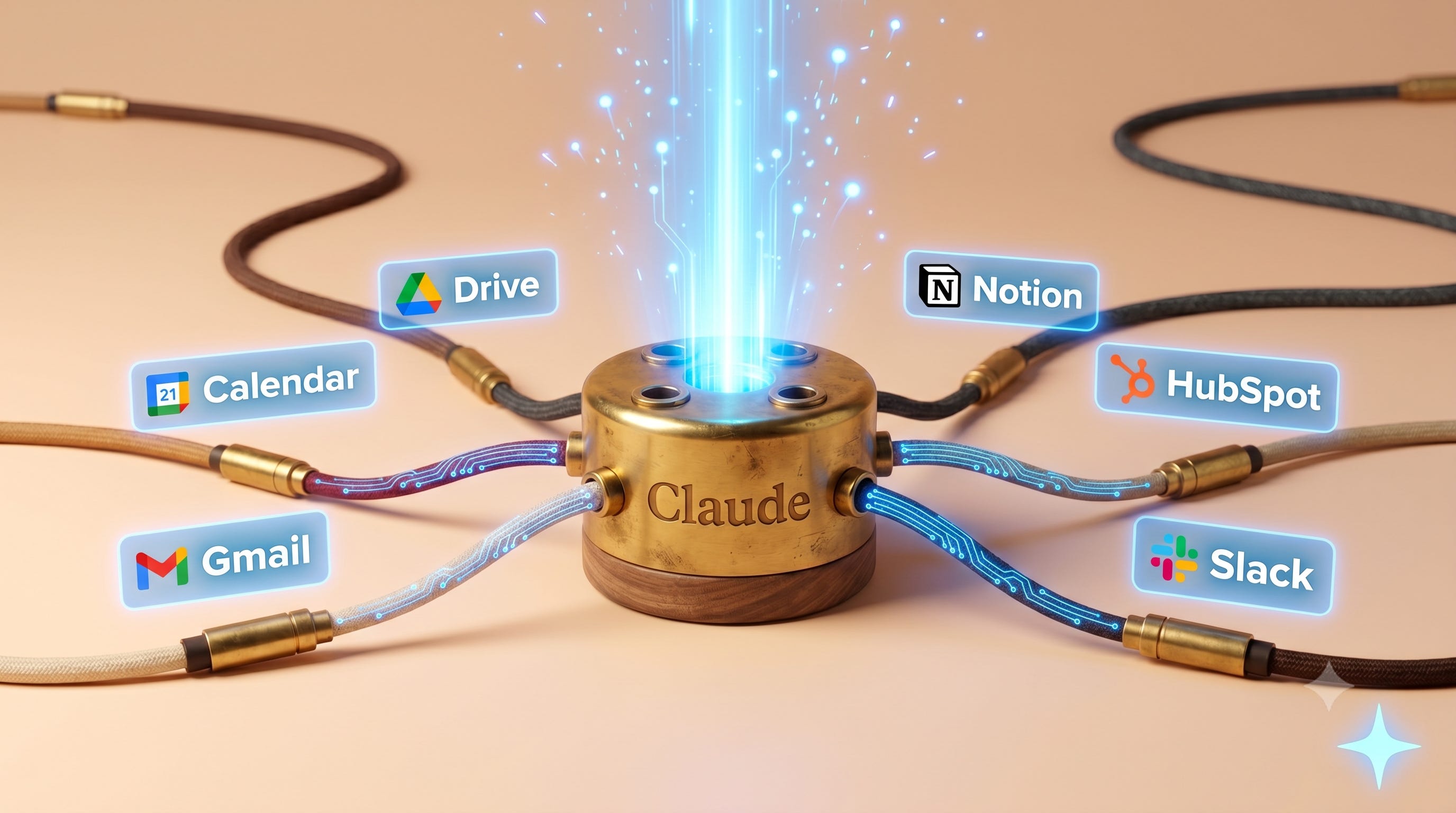
I keep hearing this one term in every AI conversation right now: MCP. Executives drop it in meetings, vendors put it on their slides, and almost everyone nodding along has no real idea what it means. Here’s the honest part. MCP is not a mind-blowing concept. It’s a genuinely useful one that’s been wrapped in enough technical language to scare off the exact people who’d benefit from it most, which is leaders trying to get real value out of AI.
So let’s strip the jargon off it.
Also, at the end of this post, I’m giving you my full guide of top 25 MCPs to use, for free! Don’t miss it!
What an MCP actually is
MCP stands for Model Context Protocol. Anthropic, the AI company behind Claude (the main rival to ChatGPT), introduced it in late 2024, and it’s now an open standard that any AI company can use.
The way I think about it is simple.
Imagine you hire a brilliant new employee on day one. If you never give them a login, a building badge, or access to a single file, all they can do is answer general questions from memory.
Smart, and completely useless on anything specific to you. That’s AI without MCP. An MCP is the badge and the logins. It’s a standard, safe way to hand your AI assistant controlled access to the tools your team already uses. The engineers have a shorthand for it. They call it “USB-C for AI,” one universal port instead of a custom cable for every single device.
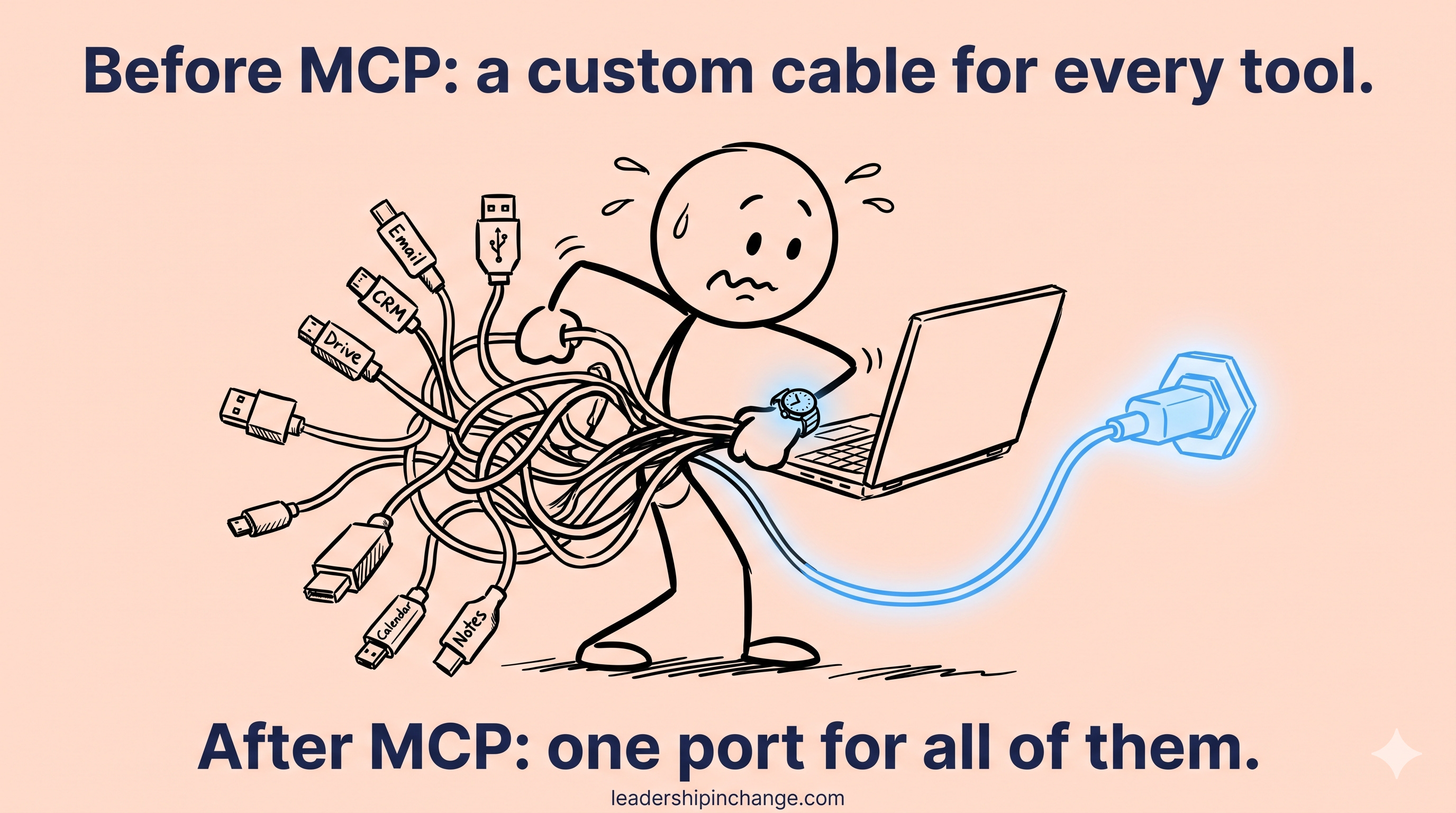
That’s it. That’s the whole concept everyone’s been making you feel dumb about.
Why this matters more than it sounds
Most leaders I talk to have already decided how they feel about AI based on the chatbot version of it. That’s a mistake.
They typed some questions into a box, got generic answers, and concluded it wasn’t worth the hype. I get it. But that’s like judging your new hire while they’re still locked out of every system in the building. It’s also why so many people only ever see a fraction of what these tools can actually do.
McKinsey reported in 2025 that roughly 78% of organizations now use AI, and yet most still can’t scale it across their actual operations. The bottleneck usually isn’t the model. It’s that the AI can’t reach the real work, the files, the customer records, the calendar, the systems where your business actually lives. MCP is the piece that closes that gap, and it does the same job that giving AI real context does, just at the level of your whole toolset. That’s why it stopped being a developer curiosity and started showing up on executive agendas.
This is the kind of thing I coach leaders through. A free intro call at jsalinas.org is the easiest place to start.
Why every scaling organization will end up with one
This is already happening, with or without a plan. Microsoft, OpenAI, Amazon Web Services, PayPal, and Cloudflare have all adopted MCP. Gartner expects 40% of enterprise software to include built-in AI agents by the end of 2026, up from under 5% today. Forrester expects nearly a third of enterprise app vendors to ship their own MCP connections this year. Forbes has gone as far as calling MCP the likely “defining interface standard of the AI-first enterprise.”
Translation for the rest of us: the tools your team already pays for are about to come with AI access built in.
This is the Adaptability piece of what I call the AI Leadership Triad. The advantage here doesn’t come from owning the smartest model. Everybody has access to roughly the same models now. It comes from being the organization that actually wired that model into your real work, and right now most of your competitors still haven’t.
What this looks like in real life
Let me make it concrete with my own setup, because I won’t tell you to do something I don’t do. I run four businesses and help lead growth at a global humanitarian organization, so I live in this stuff all day.
Right now my Claude is connected through MCP to my email, my calendar, my Google Drive, my Notion, my HubSpot, a research tool called Tavily, and a custom assistant I built that tracks my commitments and contacts. It’s the natural next step past the Claude setup I already run.
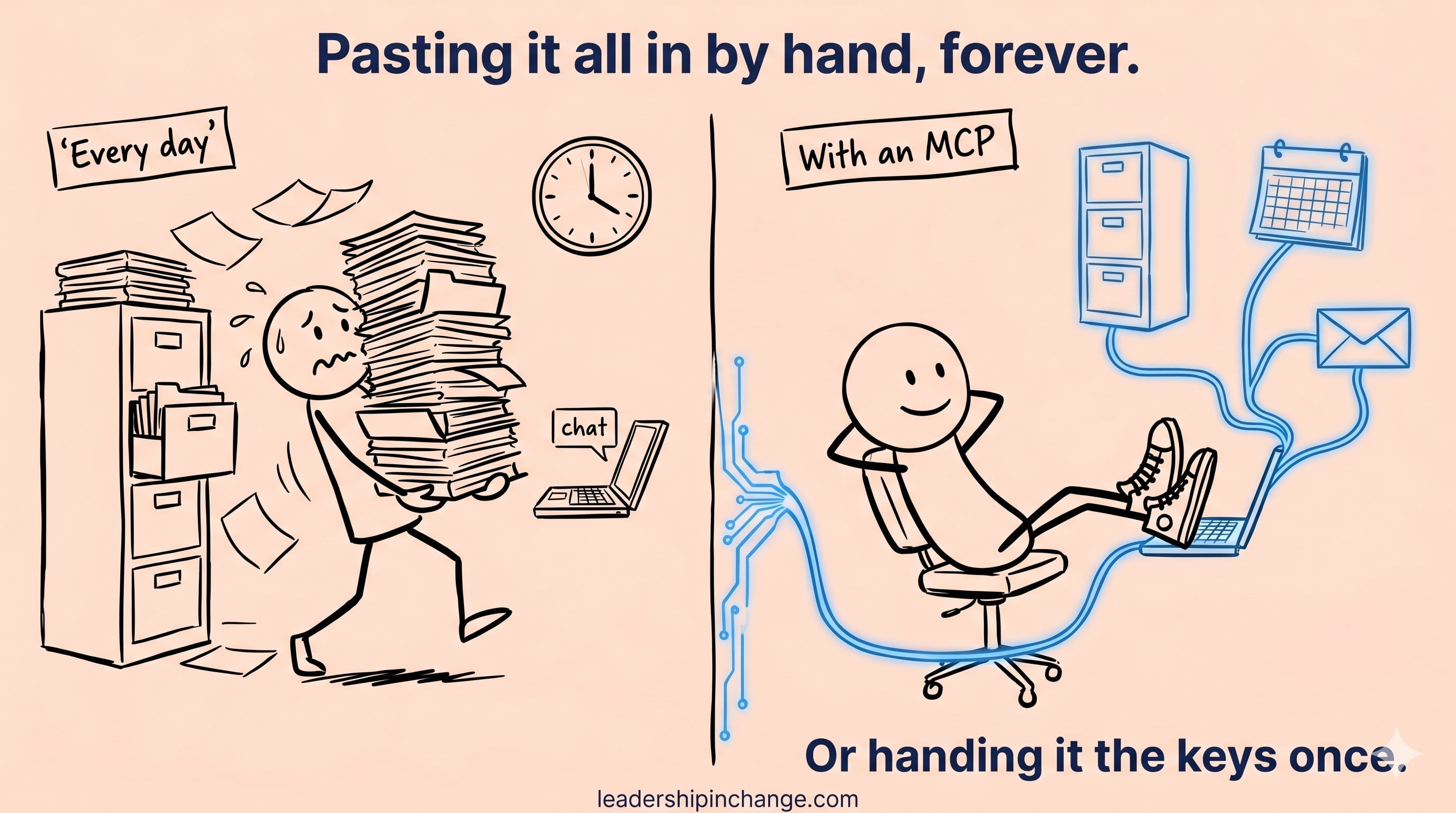
So when I ask Claude to do something, it doesn’t make me paste anything in. It already has the context. I can say things like “find me two free hours this week to write and hold them,” or “pull the contacts I haven’t followed up with and draft the notes,” and it just does it, inside my real tools, with my real information. That’s the difference between an assistant that talks about your work and one that actually does it.
The one risk to respect
I won’t pretend this is all upside. Giving AI access to your systems also widens what security people call your attack surface. There are real new risks, like “tool poisoning,” where a bad connection tricks the AI into doing something it shouldn’t with your data.
HOWEVER, the answer isn’t to slam the door and fall behind.
The leaders getting this right connect deliberately: trusted, official connections only, access limited to what a task actually needs, and at any real scale, one person who owns the decision of what gets plugged in. I put a short “how to vet an MCP before you connect it” checklist on the last page of the download for exactly this reason.
👉 25 Must-Have MCPs
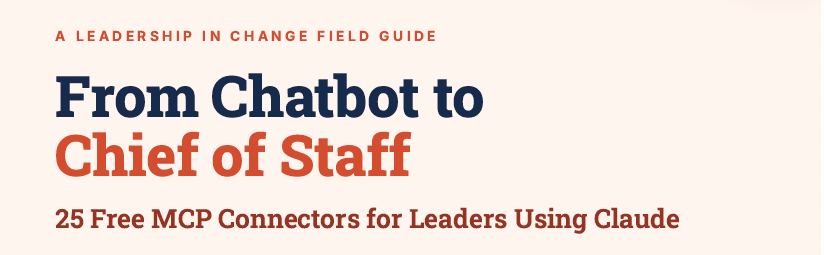
To get the full guide, 25 Free MCP Connectors for Leaders Using Claude, simply Subscribe today! Then reload this page and download.
What I’d do Monday morning
Don’t overthink it. Pick one tool you already live in, your email, your calendar, or your notes, and connect it to Claude. Most of the connections I use take about two minutes and zero code. Feeling AI reach into your real work just once changes how you think about all of it.
And if you want the shortcut, I pulled together the 25 MCP connections I’d start with, the exact ones I use plus the best leader-ready picks, each with a direct link and that safety checklist. It’s free for subscribers, right below.
Because the real question isn’t whether your organization will use these. The tools you already pay for are about to ship with them. The question is whether you’ll be the leader who connected them on purpose, or the one who found out their team already had.
So tell me: what’s the first system you’d want your AI to actually plug into?
If you only remember this
An MCP is just a safe, standard way to give your AI assistant access to the tools you already use. The jargon hides how simple it is.
Most leaders who say AI underwhelmed them only ever tried the chatbot version, locked out of their actual work.
The edge won’t come from a smarter model, since everyone has the same ones. It comes from being the organization that connected it to real work first.
Questions leaders are asking
What is an MCP in simple terms? MCP (Model Context Protocol) is an open standard that lets an AI assistant connect to your real tools and data, like email, files, and your CRM, instead of only answering from general knowledge.
Does my company need an MCP? If you want AI to do real work inside your systems rather than answer generic questions, yes. Most enterprise software is expected to ship AI connections by the end of 2026.
Do I need a developer? No. Many connections (email, calendar, notes, Drive) take about two minutes through the Claude or ChatGPT app, with no code.
Is MCP safe? It adds real value and real risk. Use official connections, limit access, and vet anything before you connect it.
What’s the difference between MCP and a normal integration? A normal integration is custom-built for one tool and one use. MCP is a universal standard, so you connect once and reuse it everywhere.
Joel Salinas is an AI Strategy Coach for leaders at small and mid-sized businesses and nonprofits. 1:1 coaching, team workshops, and AI strategy work built around amplifying what your team is already good at. Creator of the AI Leadership Triad. He writes Leadership in Change.
Written by a human, for humans.
Love the USB-C for AI framing :) Very creative! My favorite thing about MCPs are how user friendly it makes building agents. Pick one tool you already use every day, connect it, and suddenly AI stops being complex.
Most leaders decided AI wasn't worth it while still locked out of their own systems.