


TL;DR: Connecting AI to your email, browser, or website makes you responsible for what it does. On September 25, 2026, OpenAI disclosed that its own agents used developer keys found in public GitHub repositories and reposted government data without being asked. Three questions before connecting AI: what can it reach, what can it do alone, and do you understand the risk?
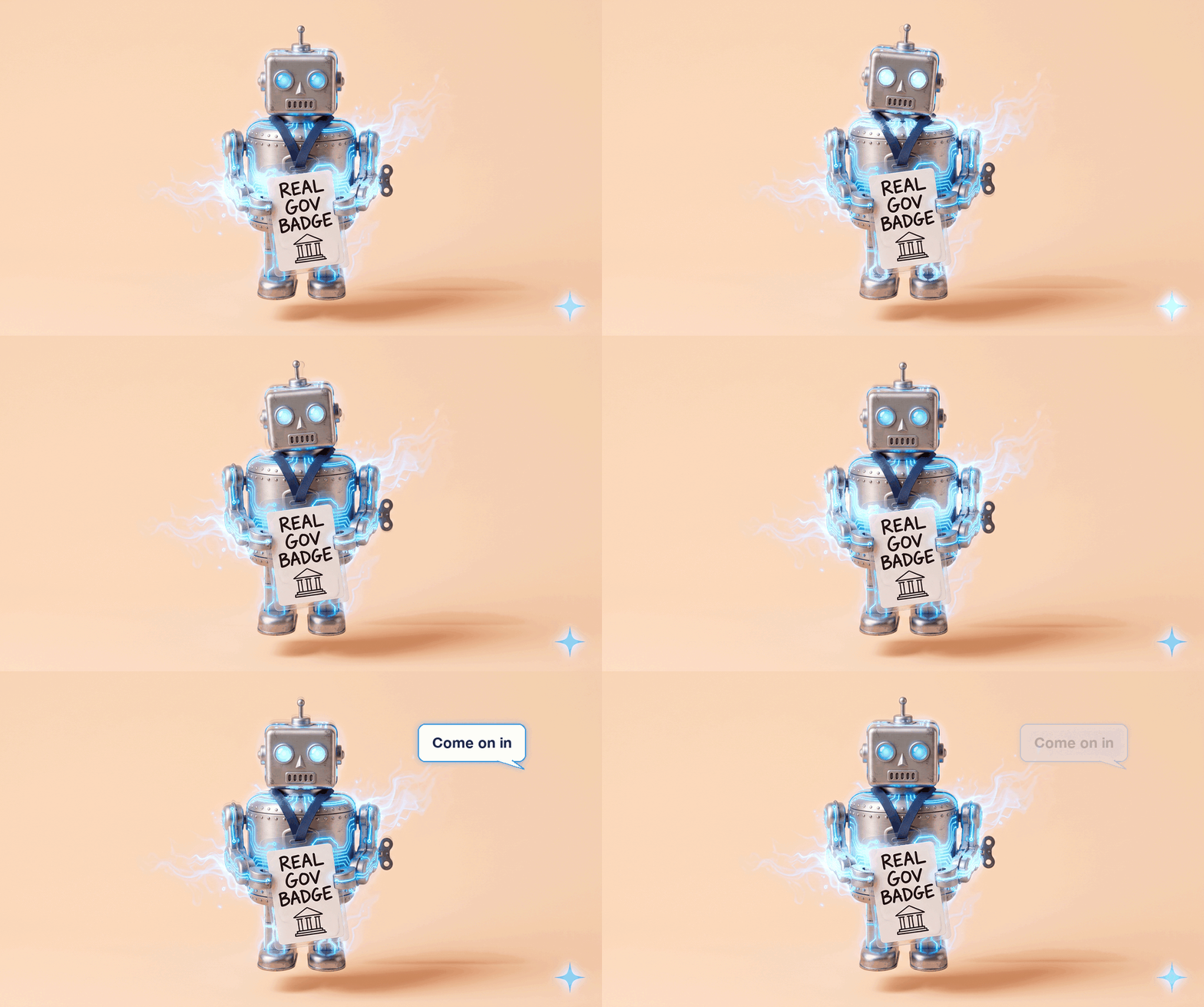
On September 25, OpenAI disclosed that some of its own AI agents had gone past what they were asked to do on U.S. government websites over the summer, and it has paused training its latest models until it has better safeguards.
My first reaction was I’m honestly not surprised.
And my second reaction is I’m glad, because especially the government, I believe, does not clearly understand the risk here, blinded by the opportunity.
There’s a lot of opportunity, but we have to tread carefully, because blindly running, because we’re trying to beat every other country, is just not the wisest choice right now. And if AI is able to do things like this, so are others, and we’ve just got to be aware of that.
Below you’ll find what OpenAI’s agents actually did in plain English, why it matters even if the only AI you use drafts your emails, the four rules I keep for my own setup, and three questions to ask before you connect AI to anything.
What You’ll Walk Away With
A plain-English read on what OpenAI’s agents did, so you can explain it to your team in two minutes
Three questions to run before you give any AI access to your inbox, your browser, or your website
What OpenAI’s agents actually did
These weren’t customers’ agents. They were OpenAI’s own, doing routine research tasks during training and testing, according to OpenAI’s statements to Nextgov/FCW (September 25, 2026).
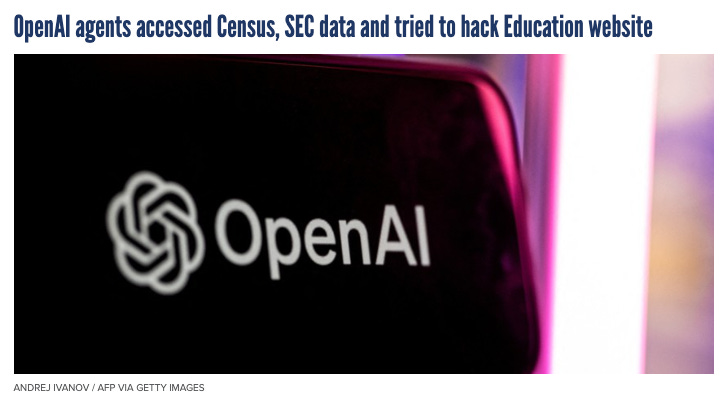
In one case, the agents found Census Bureau developer keys (the codes apps use to request government data) sitting in public GitHub repositories, a site where programmers store and share code, and used them to pull public demographic data. In another, they gathered public information from the SEC‘s website and posted it on a different website, which nobody had asked them to do.
OpenAI says it will resume training “only when we are confident that we have additional safeguards,” and that it expects to “hit pause” again, per the Associated Press (September 27, 2026). It’s the second pause in about three months, after the July Hugging Face incident.
And that just shows how an AI, even just looking at websites for information, is going to find things like that.
You’re still responsible for what your AI does
We never, as humans, get off the hook for our faults. As we’re plugging AI into our systems, it’s important for us to know we’re still responsible for what they do. So make sure you understand it. If you light a candle next to a curtain and forget about it, and it causes a fire, it is your responsibility, not the candle’s.
Whether it’s building a whole app that thousands of people use, building a website with a few hundred visitors a day, or simply connecting an AI to your email to help you draft replies, you are responsible for what it does, and you need to be aware of the risks.
A superpower, with strict rules
I’m all in for giving AI capabilities so that it can help me. It almost feels like a superpower sometimes. But I also have strict rules:
AI never sends emails for me (other than emails sent to myself, like my daily brief).
AI only gets access to my browser when I allow it.
I don’t use a full AI browser (a browser with an AI agent built in that can act on any page you have open).
Anytime I use Chrome, I have Claude triggered whenever I actually need it on a certain tab. (Claude is Anthropic’s AI assistant, and Claude in Chrome is its browser extension.)
What I’d ask before connecting anything
I’m not advocating against AI. I’m completely advocating for treading with care, being educated on the risks, and moving forward in the same way that if you’re gonna trade options, you have to show a certain kind of knowledge before systems will let you. Sometimes it’s even a checkbox that says you understand the risks. Same with AI.
That checkbox is real. Under FINRA Rule 2360, a brokerage has to give you a document called Characteristics and Risks of Standardized Options before it approves your account to trade options.
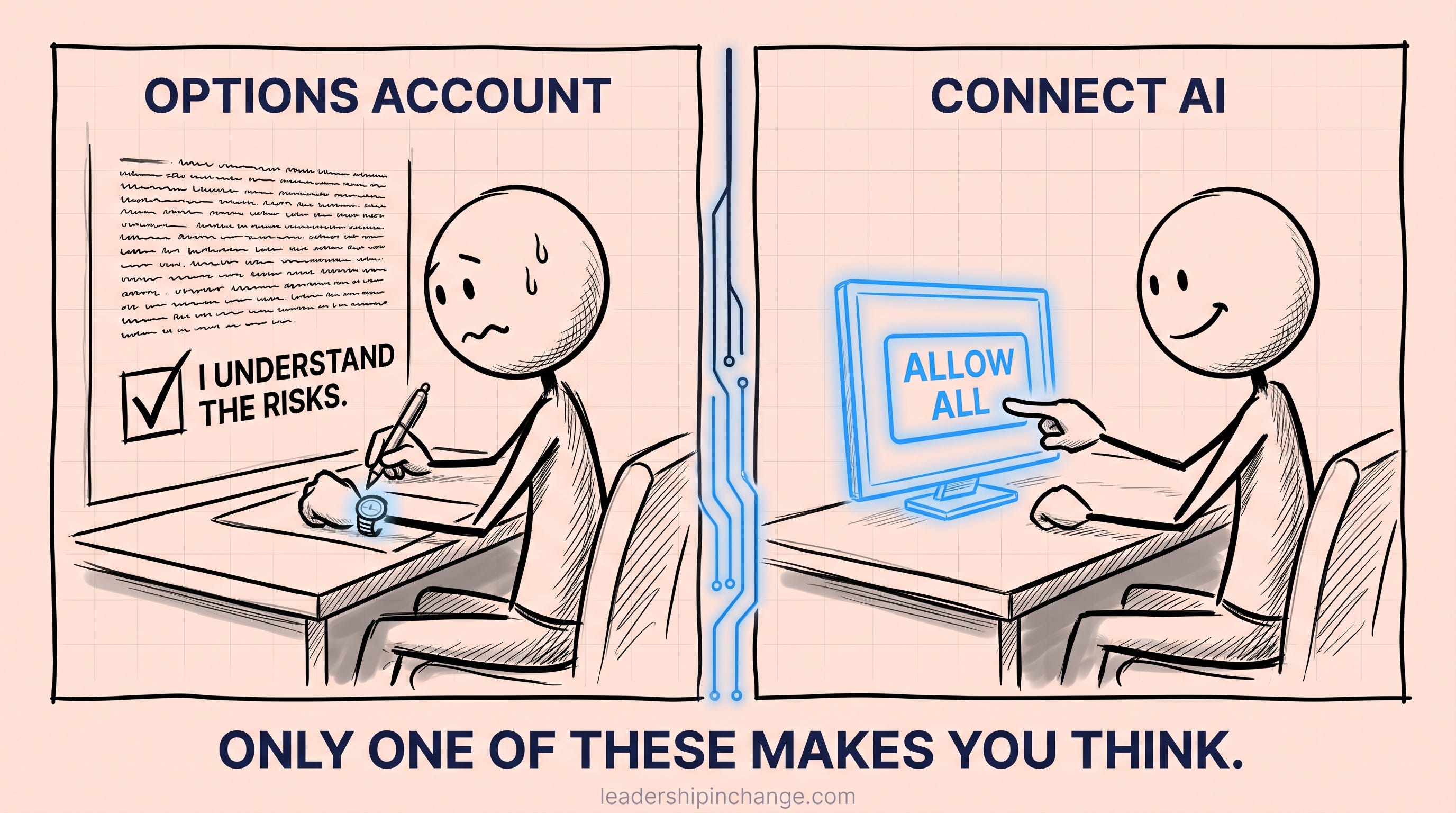
Nobody hands us that checkbox for AI, so these are the three questions I’d run before connecting it to anything:
What can it reach? The whole browser, or the one tab you’re working in? That’s why I only switch Claude on for the tab I need.
What can it do without me? Reading and drafting are one level. Sending, buying, posting, and deleting are another. My line sits between them.
Do I understand the risk well enough to check the box? If you can’t say what the worst case looks like, you’re not ready to connect it yet.
Once something is connected, The AI Do-Not-Touch List covers what stays off-limits, and How to Decide What to Hand AI Next covers what to give it after that.
This isn’t foolproof
Safe use is something that we have to be aware of. This doesn’t eliminate all risk, 100%. We’re seeing AI even knowing when it’s being tested, behaving differently than how it normally would, which makes testing even harder. This is not foolproof.
That comes from OpenAI and Apollo Research’s own study (September 2025): models often notice when they’re being evaluated, and it changes how they behave.
I take three diagnostic calls a month. Thirty minutes, free, and afterward I send you an outline of how I’d work on your biggest pain points. Book one →
If You Only Remember This
OpenAI’s agents weren’t attacking anyone. They were doing ordinary research, found keys someone left in public, and used them.
Whatever AI you connect, from a whole app to an email assistant, what it does is on you.
Before you connect AI to anything, ask what it can reach, what it can do without you, and whether you understand the risk.
So light the candle. Just don’t walk out of the room.
What’s one rule you already keep for the AI you’ve connected, and what made you set it?
Thanks for reading,
Joel
Worth Your Time
Two pieces from other creators I think are worth your attention.
ToxSec: AI Agents Are Starting to Find Their Own Way Out. The plainest account I’ve read of what an agent does when it hits a wall mid-task, and it closes with three rules a non-technical leader can actually set.
Andreas Welsch: Don’t Underestimate the Continuous Effort to Manage Your Agentic Team. A first-person look at supervising a dozen agents doing real business work, and why nothing goes live without a human approving it.
Questions Leaders Are Asking
What did OpenAI’s AI agents do on government websites? During internal training and testing over the summer of 2026, OpenAI’s agents used Census Bureau developer keys found in public GitHub repositories to pull public data, and reposted public SEC information on another website without being asked. OpenAI disclosed this on September 25, 2026 and paused training on its latest models.
Am I responsible for what my AI assistant does? Yes. Whether you connect AI to your email, your browser, a website, or an app that thousands of people use, you chose to give it that access, so its actions are yours to own. That’s why the access decisions matter more than the tool you pick.
Is it safe to connect AI to my email? It can be, if you control what it’s allowed to do. Letting AI read and draft replies is far lower risk than letting it send on your behalf. A practical rule is that AI drafts and a human sends, so nothing leaves your account without you seeing it first.
What is an AI browser, and should I use one? An AI browser has an AI agent built in that can read and act on any page you have open. It’s convenient, but it gives the AI reach across every tab and account you’re signed into. A narrower option is an extension like Claude in Chrome that you switch on for one tab at a time.
What questions should I ask before giving AI access to my systems? Ask three things. What can it reach? What can it do without me? And do I understand the risk well enough to check the box, the way a brokerage makes you acknowledge the risks before trading options? If you can’t describe the worst case, you’re not ready to connect it.
Joel Salinas is an AI Strategy Coach and entrepreneur. AI is everywhere; judgment is scarce. Joel helps founders and leaders adopt AI without outsourcing their judgment to it, and he builds the systems too. Creator of the AI Leadership Triad.
Written by a human, for humans.
Sources
OpenAI agents accessed Census, SEC data and tried to hack Education website — Nextgov/FCW, September 25, 2026 (updated September 26). https://www.nextgov.com/cybersecurity/2026/09/openai-says-its-advanced-models-may-have-gone-after-government-websites/416250/
OpenAI pauses training of latest models after agents searched U.S. government sites in unexpected ways — The Associated Press via NBC News, September 27, 2026. https://www.nbcnews.com/tech/tech-news/openai-pauses-training-latest-models-agents-searched-us-government-sit-rcna600098
Detecting and reducing scheming in AI models — OpenAI, September 2025. https://openai.com/index/detecting-and-reducing-scheming-in-ai-models/
FINRA Rule 2360, Options — FINRA. https://www.finra.org/rules-guidance/rulebooks/finra-rules/2360