


TL;DR: Voice dictation closes the gap between thinking speed (130+ words per minute) and typing speed (40 words per minute). Leaders who switch to speaking capture more ideas, work from any device, and produce content faster with less physical strain. This article covers the productivity math, specific use cases, and a voice-to-content workflow.

I’ve tried every version of this. Apple’s built-in dictation had me spending more time correcting typos than I would have spent just typing in the first place. The voice features inside ChatGPT and Claude work, but the moment I needed to send a text, reply on WhatsApp, or fire off an email, they were useless.
What I actually needed was something that replaced my keyboard everywhere. Every app, every browser, every device. One tool that could keep up with how fast I actually think.
I found Wispr Flow, and I think that after Ruben Hassid and Kamil Banc, I’m Wispr Flow’s biggest fan on Substack!
I want to be upfront: this article is not about one specific tool. It’s about dictation. The practice of speaking instead of typing and what it does to your output, your focus, and your day. I personally use Wispr Flow, and I’ll share my partner link if you want to try it, but the real takeaway here is simpler than that: try dictation. Any tool. Just start speaking.
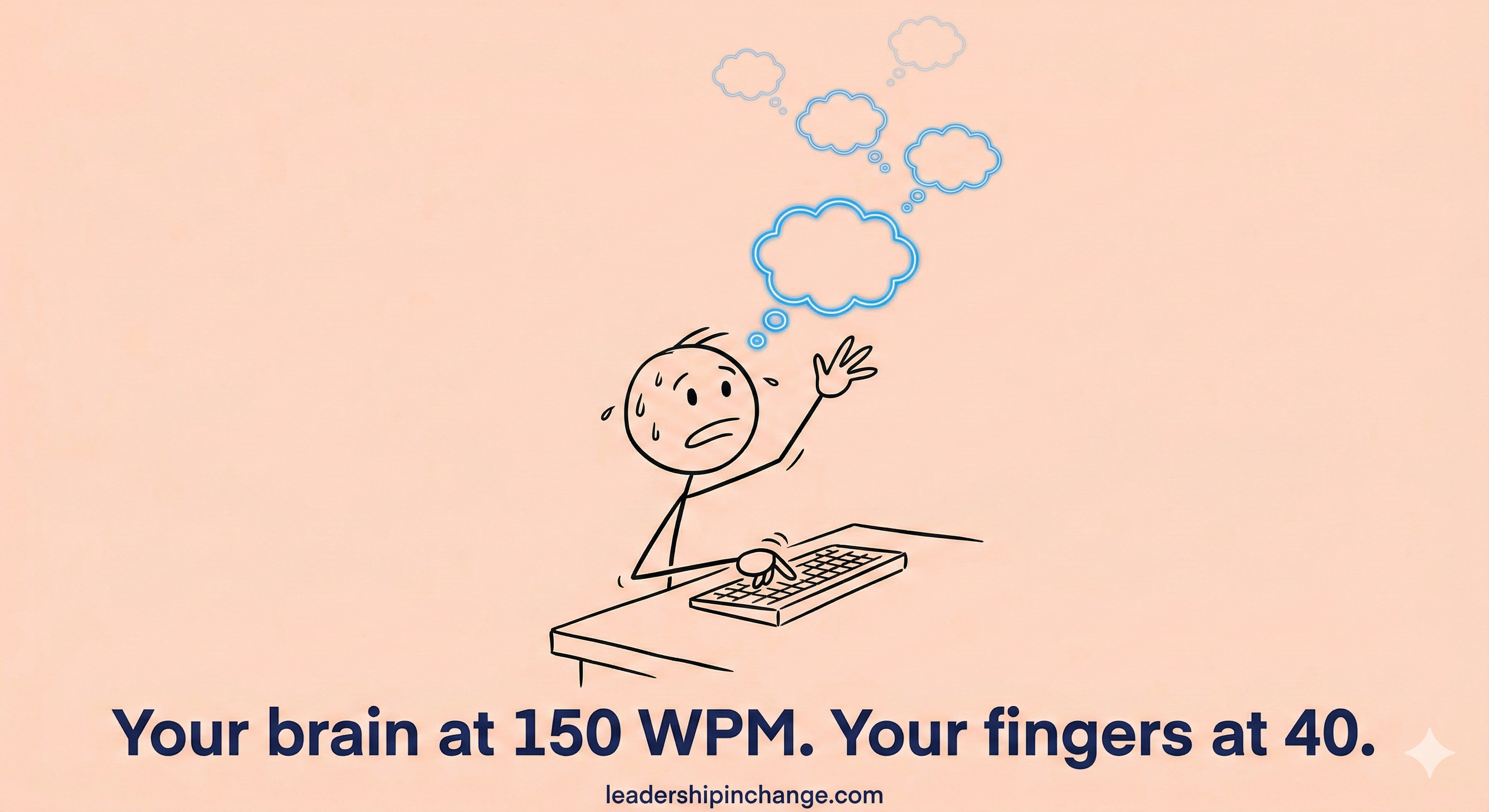
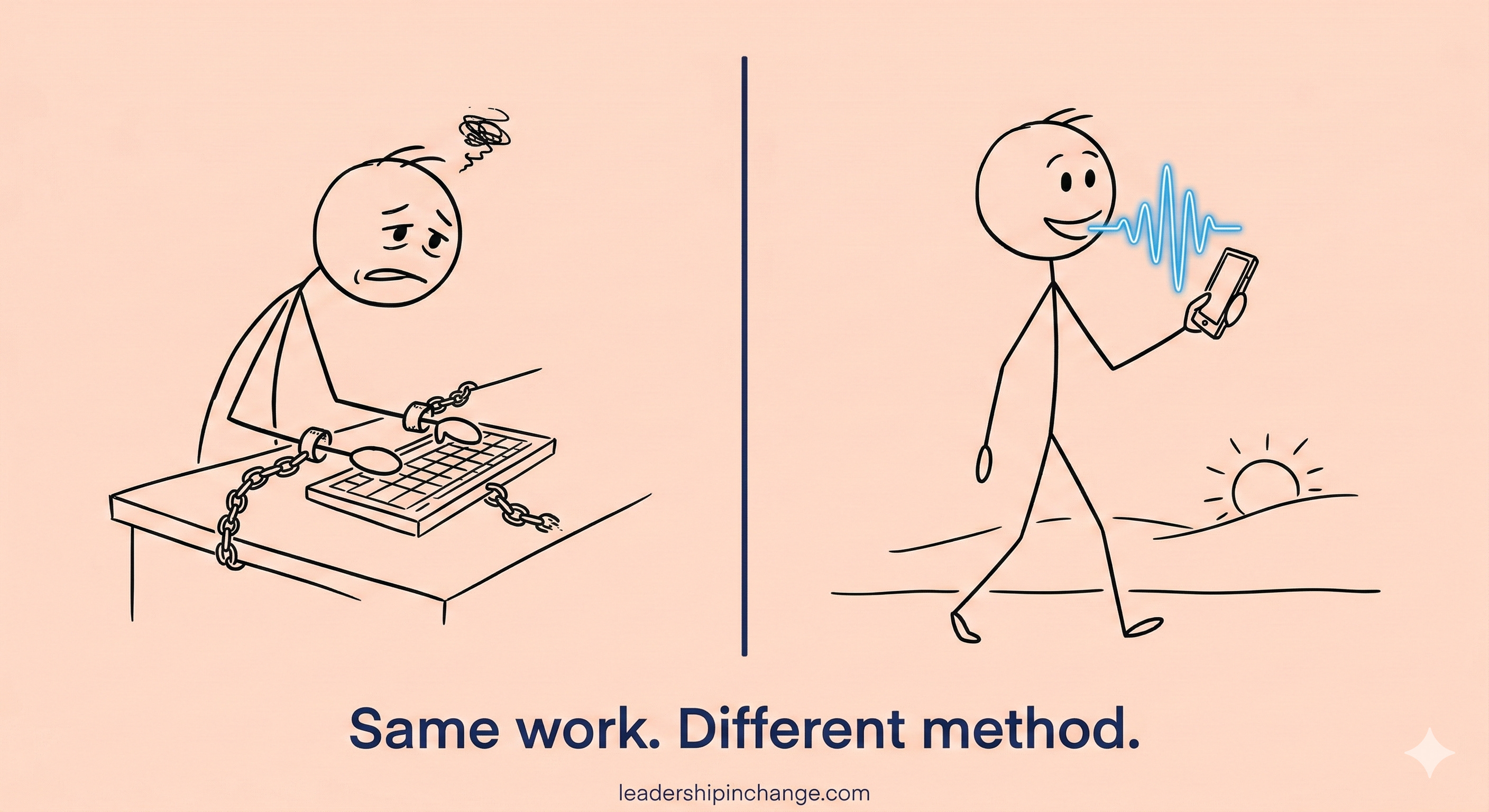
Here’s what was happening before: I’d have an idea, sit down to type it, and by the third sentence, the fourth and fifth had already evaporated. The average person types at 40 words per minute but speaks at 130 to 160. That’s a 110-word gap every single minute.
Let me put that in real terms. My average article is about 1,200 words. At typing speed, that’s 30 minutes of pure output. At speaking speed? About 8 minutes. That’s 22 minutes back per article, just on raw capture. And I write multiple articles a week. The math adds up fast.
(This is one of the first workflow changes I walk leaders through in AI coaching sessions, it has the lowest learning curve and the highest daily impact of anything I recommend.)
In this post, you’ll learn:
Why the speed mismatch between your brain and your keyboard is your real productivity bottleneck
How dictation works across desktop, phone, and even code editors
A specific workflow for turning voice dumps into polished long-form content
Why this works whether you’re 80 years old and non-technical or a vibe coder who’s already built seven apps
This is how I keep my best ideas from escaping me.
The Math Your Fingers Can’t Beat
This isn’t a discipline problem. It’s a physics problem.
When you’re composing, thinking, and typing at the same time, your effective speed drops even below 40 words per minute. Your brain is splitting resources between ideation and motor control.
Researchers call it cognitive juggling: holding your next thought in memory while your fingers finish the current one.
You’re losing that race every time. By the time you’ve finished typing the third sentence, the fourth and fifth have already evaporated from working memory because you couldn’t capture them in time.
Your thoughts move at 150 words per minute. Your fingers move at 40. That gap is where your best ideas go to die.
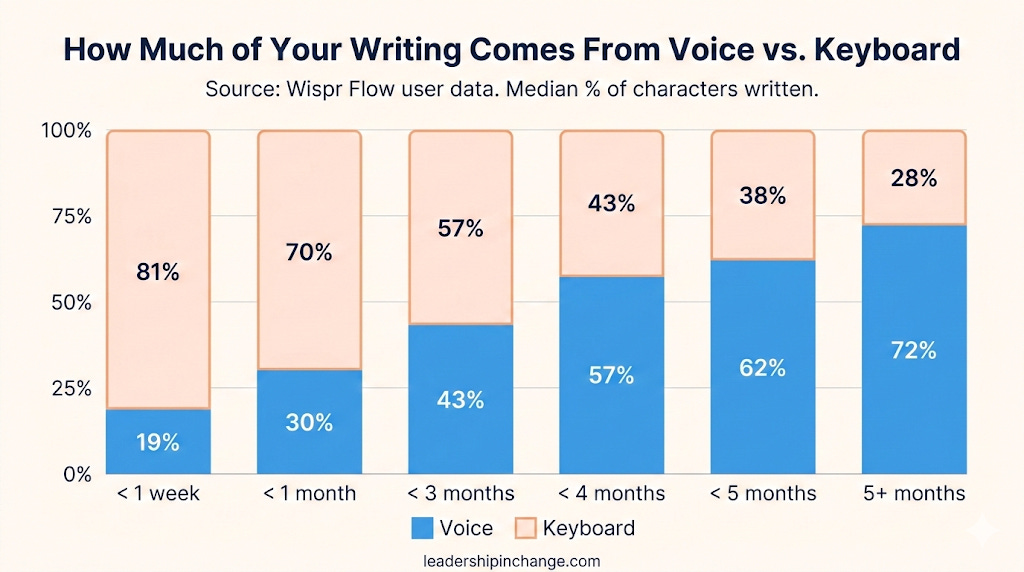
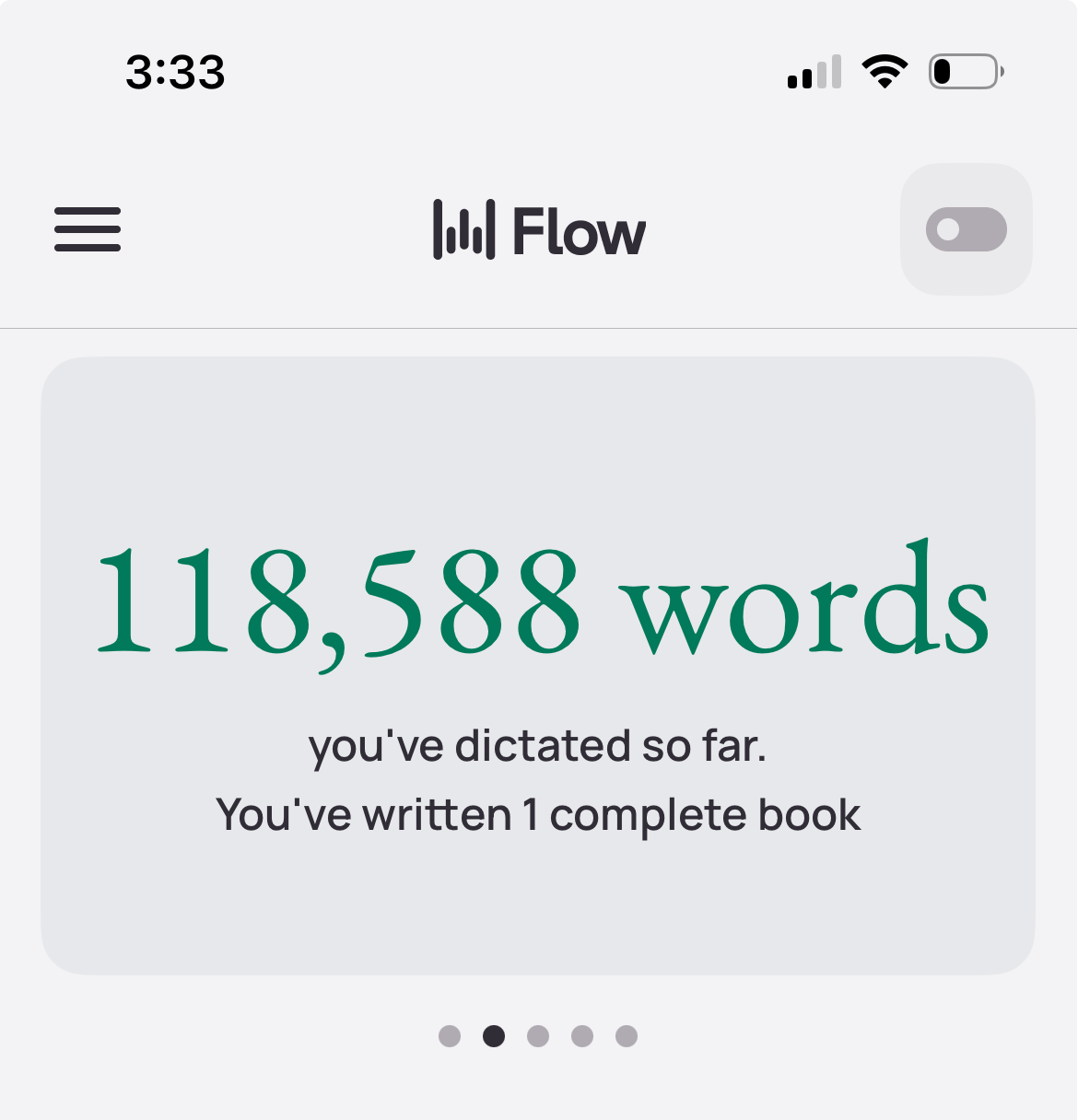
And here’s the thing: the more you use dictation, the more it replaces your keyboard entirely. Wispr Flow’s own data shows that new users start by dictating about 19% of their total output in the first week. By five months, that number jumps to 62%. The keyboard doesn’t disappear overnight, but it steadily becomes the backup instead of the default.
7 Things I Do With Dictation That Surprise People
Most people hear “dictation” and picture someone slowly talking into a recorder. That’s not what this is. Here’s what my actual day looks like.
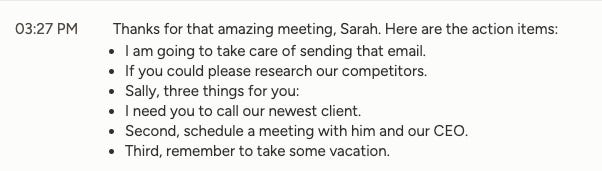
1. I dictate action items into the meeting chat before the call ends.
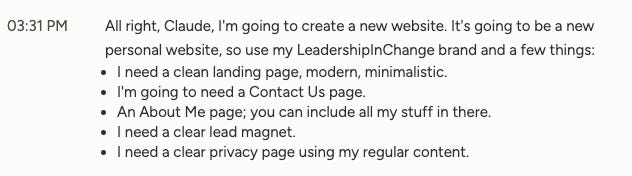
When a meeting is wrapping up, I click into the chat panel and just say, “OK, here are the action items. Number one, Joel sends the proposal by Friday. Number two, Sarah reviews the budget.” It’s typed, formatted, and shared before anyone even says goodbye. No one waits for meeting notes. The notes are already there.
Here’s an example
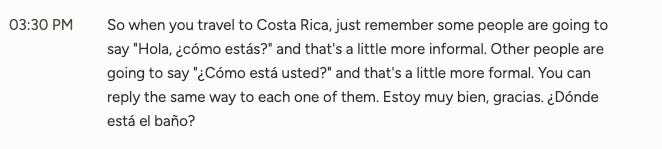
2. I switch between Spanish and English mid-sentence.
No buttons. No settings toggle. I just talk. If I need to text my family in Spanish and then reply to a client in English, it handles both without me doing anything. For multilingual leaders (and there are more of us than you’d think), this alone is worth trying.
3. I say “number one, number two” and get a formatted list.
This sounds small until you realize how often you type lists. Emails, project briefs, Slack messages, meeting notes. Just speak naturally and the dictation structures it. Bullets, numbered items, all of it.
4. I speak my AI prompts instead of typing them.
Think about this for a second. I already use Claude daily to write, research, and build. But I used to spend five minutes carefully typing a detailed prompt. Now I just talk. And honestly, my prompts are better because I’m thinking out loud instead of self-editing every word as I type. If you’re already using AI tools like the ones I covered in 5 Claude Skills That Save Me 40 Hours Monthly, adding dictation on top makes those workflows even faster.
5. I clear emails while walking between meetings.
Those dead ten minutes between calls? I used to scroll my phone. Now I pull it out and dictate three email replies while walking down the hallway. What used to be idle time is now some of my most productive time.
6. I pace around my office (and my neighborhood) while working.
I’m not exaggerating. Some of my best thinking happens when I’m walking through my neighborhood or pacing my living room, talking through ideas out loud. No hand strain. No awkward desk posture. Just thinking and letting dictation capture it. I wrote about using AI to multiply your impact without hiring, and dictation is honestly one of the simplest ways to do it.
7. One account, every device, every app.
This is the thing that finally made dictation stick for me. It wasn’t a feature buried inside one app. It was a full keyboard replacement across desktop, phone, every browser, every tool. That’s when it stopped being a novelty and became how I work.
Stop reading for a second. Which one of these would you try first? Seriously. Pick one. Hold that thought.
The “Voice Dump” Workflow for Long-Form Content
Here’s the workflow I actually use for articles, proposals, and long emails…
Step 1: Voice dump. I open Claude and just talk. No structure, no outline. I spitball the raw idea for five minutes. Every half-formed thought, every tangent.
Step 2: AI interview. This is where it gets interesting. I’ve built a 16-page custom context inside Claude that teaches it how I think, how I write, and what questions to ask me. So when I hand it a raw voice dump, it knows exactly how to push me deeper. It catches the parts I glossed over and asks the follow-up questions I’d forget to ask myself. I wrote about how to set this up in The Ultimate Second Brain Blueprint.
Step 3: Clean up. Claude organizes the transcript into a structured draft, and I refine it in my own voice.
Here’s why this works so well: when you’re typing, you’re constantly self-editing and hesitating. When you’re speaking, you just flow. The inner critic stays quiet. What actually changes isn’t just your speed. It’s the quality of thought that comes out when you stop fighting the keyboard.
I built my entire three-AI newsletter system around this kind of approach, and dictation made the whole thing noticeably faster.
Dictation is actually one of the first tools I walk leaders through when we work on AI strategy together. If you want help building a workflow like this for your specific role, book a free discovery call.
Why This Works for Everyone
You don’t need to be technical to use dictation. You don’t need to be young. You don’t need to be a creator or a coder or a startup founder.
If you send emails, you can use this. Take notes? Same thing. Ever had a great idea vanish because your fingers couldn’t keep up? This fixes that.
Developers are even using voice to write code now. They call it “vibe coding,” speaking logic and intent out loud while AI translates it into syntax. But you don’t need to know any of that to benefit.
Try this right now: download a free dictation tool and speak your next email instead of typing it. That’s the whole experiment.
Whether you’re 80 years old and non-technical or a vibe coder who’s already shipped seven apps, dictation will change your daily output.
What Would You Dictate First?
I’m genuinely curious. If you tried dictation today, what’s the first thing you’d use it for? Emails? Meeting notes? AI prompts? Hit reply and tell me.
Disclosure: I’m a Wispr Flow affiliate partner. They didn’t ask me to write this post. I wrote it because dictation genuinely changed how I work, and I think it can do the same for you. If you want to try Wispr Flow specifically, you can use my link here: Try Wispr Flow. But honestly, any dictation tool will get you started. The point is to start speaking.
Questions Leaders Are Asking
Is voice dictation accurate enough for professional emails?
Modern AI-powered dictation tools like Wispr Flow, Apple Dictation, and others now achieve over 95% accuracy. They handle punctuation, formatting, and even multilingual switching automatically, far beyond the clunky dictation tools of five years ago.
How much faster is dictation than typing?
The average person types 40 words per minute but speaks at 130 to 160. That means a 1,200-word email or document takes roughly 30 minutes to type but only 8 to 10 minutes to dictate, saving 20+ minutes per piece of content.
Can I use voice dictation in every app or just specific ones?
It depends on the tool. System-level dictation tools replace your keyboard entirely, working across email, Slack, browsers, and any text field. App-specific voice features (like those in ChatGPT or Claude) only work inside that app.
Is dictation useful if I’m not a content creator?
Absolutely. The biggest wins are everyday tasks: clearing email, capturing meeting action items, writing project updates, and drafting AI prompts. Anyone who types more than 30 minutes a day benefits from switching some of that to voice.
PS: Many subscribers get their Premium membership reimbursed through their company’s professional development $. Use this template to request yours.
Sources Referenced
AICHE. (2025, October 21). “Flow State and Voice: How to Achieve Peak Performance.”
talktotext.ai. (2026, January 2). “How Voice Dictation Can 10x Your Writing Productivity.”
Wispr Flow. (2025, December 16). “Wispr Flow for content creators: write faster by using your voice.”
Wispr Flow. (2025, October 28). “AI Tools for Developers: Vibe Coding with Voice to Ship MVPs and Prototypes at Lightspeed.”
Wispr Flow. (n.d.). Internal user data: Median % of characters written across all Flow users over time.
i’m a pretty big fan as well. it’s really a quick and easy way to get your thoughts down. and it feels more natural.
The AI interview is a great idea! I've recently started doing that to build out context files for projects I'm working on and its SO much better.